
Have USDT in your TRON wallet but no TRX to pay network fees? You may still be able to send it if your activated wallet has enough Energy and Bandwidth and supports transfers using those resources.
Another TRON account can delegate resources to your sending address. However, sending without burning TRX does not necessarily mean the transfer is free: an Energy rental provider may charge separately.
Can You Send USDT on TRON With Zero TRX?
A standard TRC-20 USDT transfer may work with a zero TRX balance when:
- Your sending account is activated on the TRON network.
- It holds enough USDT for the transfer.
- Sufficient Energy is available for the smart-contract call.
- Sufficient Bandwidth is available for the transaction.
- Your wallet supports this transaction flow.
If resources are insufficient, the network may need to burn TRX to cover the cost. A wallet with no TRX cannot cover that shortage.
This guide applies to self-custody wallets. Exchanges control their own sending accounts and set their own withdrawal fees.
Why Does a USDT Transfer Need Energy and Bandwidth?
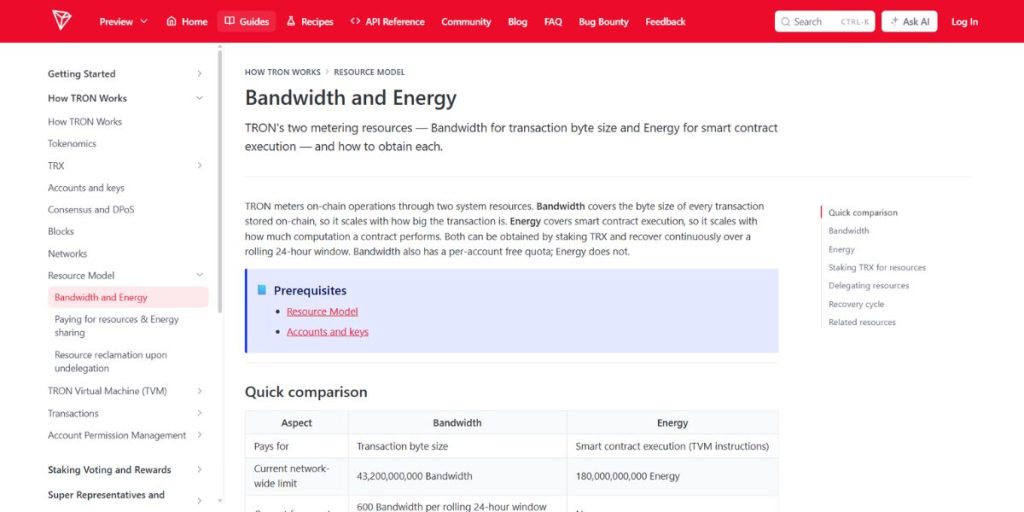
USDT on TRON is a TRC-20 token. Transferring it calls a smart contract, which consumes Energy. Recording the transaction also consumes Bandwidth.
Energy comes from staking TRX or receiving delegated resources. Bandwidth can come from the account’s free allowance, staking or delegation. Energy alone is not enough: the transaction must also have adequate Bandwidth.
For ordinary transactions, the applicable Bandwidth allowance must cover the entire transaction. Do not assume that a small free allowance and a small delegated balance will automatically be combined.
Energy requirements can vary with the recipient’s token balance state and TRON’s dynamic Energy model. Estimate the specific transfer shortly before sending instead of relying on a fixed number.
For more detail, see the official explanation of TRON Energy and Bandwidth.
How to Send TRC-20 USDT Without TRX
1. Confirm Your Account and Destination
Open the wallet holding your USDT. Confirm that TRON Mainnet and USDT TRC-20 are selected and that the recipient accepts deposits on the TRON network.
Check that your sending account is activated on-chain. Creating a wallet address does not automatically activate it, and a displayed token balance alone should not be your only proof of activation.
Review the destination address carefully. USDT on TRON and USDT on another blockchain are not interchangeable without a supported transfer service.
2. Estimate the Required Resources
Enter the recipient address and USDT amount in your wallet’s transfer preview. Review its Energy estimate, if available, and compare it with your current resources.
Check both Energy and Bandwidth. Keep a reasonable Energy margin above the estimate, especially if you will wait before broadcasting the transaction.
3. Obtain Energy for the Sending Address
If Energy is insufficient, another account can delegate resources to your wallet. You can also Rent TRON Energy through an Energy marketplace like TronMax, where resources can be delegated to your sending address for a selected duration and fee.
Before paying, check the Energy amount, rental duration, price, payment method and delivery time. Confirm that resources will be delegated to the address sending the USDT, not the recipient.
Wait until Energy appears in the sender’s resource balance. A completed payment does not prove that delegation has arrived.
Never share your recovery phrase or private key. Resource delegation only requires your public TRON address. Do not sign unrelated token approvals.
4. Review Bandwidth and the Final Confirmation
Make sure sufficient Bandwidth is available. If it is not, wait for the allowance to recover or obtain enough delegated Bandwidth.
Review the wallet’s final confirmation screen. Some wallets may still request TRX because of their implementation. Identify the reason before proceeding.
Advanced wallets may expose fee_limit, which caps the caller’s Energy budget. It is not an amount that will automatically be charged. Setting it too low can cause an OUT_OF_ENERGY failure even when resources are available.
5. Sign and Verify the Transfer
Confirm the token, network, recipient, amount and resource estimate before signing. After broadcasting, save the transaction ID, or TXID.
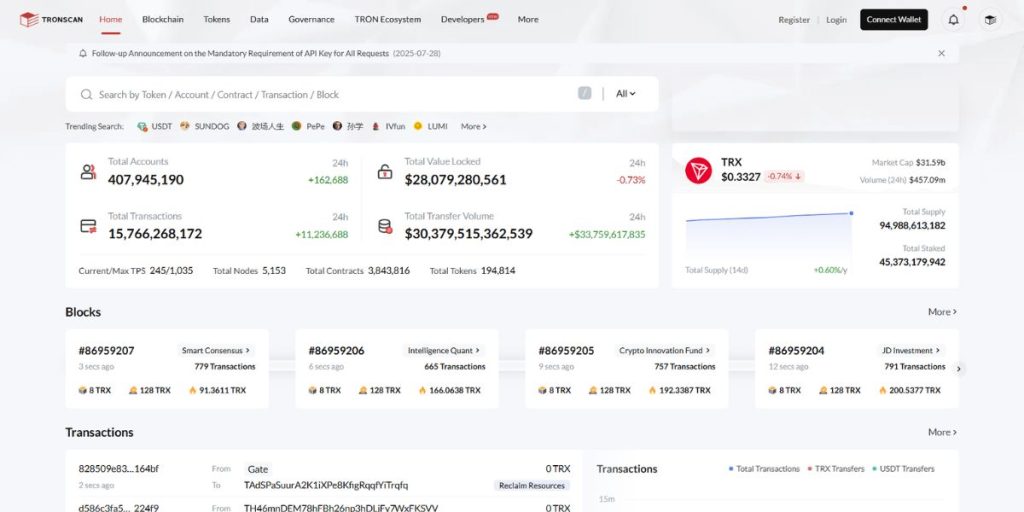
Search the TXID on TRONSCAN and check the final status, recipient, token amount and resource consumption.
If the transaction is pending or cannot immediately be found, check the same TXID again before attempting another transfer. This helps prevent duplicate payments.
Why Does My Wallet Still Say “Insufficient TRX”?
If your wallet still shows an “Insufficient TRX” warning after resources arrive, check our guide to fixing insufficient TRX balance for gas fees for the possible causes and checks before retrying.
Frequently Asked Questions
Can I send USDT TRC-20 with exactly 0 TRX?
It may be possible from an activated self-custody account with sufficient Energy and Bandwidth, provided the wallet supports the transaction. A zero TRX balance alone is not enough.
Can USDT itself pay TRON network fees?
In a standard TRC-20 transfer, holding USDT does not automatically make it the network fee token. A third-party service may accept USDT to arrange resources, but that is a separate service payment.
Is renting TRON Energy free?
Usually not. A provider may charge for temporary delegation even when the resulting USDT transfer burns no TRX. Check the total cost before purchasing.
Do I need TRX to receive USDT?
The receiver normally does not pay the sender’s transaction resources. A newly created address may still require account activation, so confirm its status and supported network.
Will Energy rental remove an exchange withdrawal fee?
Generally, no. An exchange controls its withdrawal wallet and fee policy. Delegating Energy to your personal wallet does not change the exchange’s withdrawal charge.
Final Checklist Before Sending
To send USDT on TRON without holding TRX, verify account activation, estimate the specific transfer, confirm sufficient Energy and Bandwidth, and review the destination before signing.
Delegated resources can cover the transaction without adding TRX to your wallet. Any rental charge remains a separate cost, and the final transfer status should always be checked.
Recent Comments